

Images
Open in product: preshos.com/images
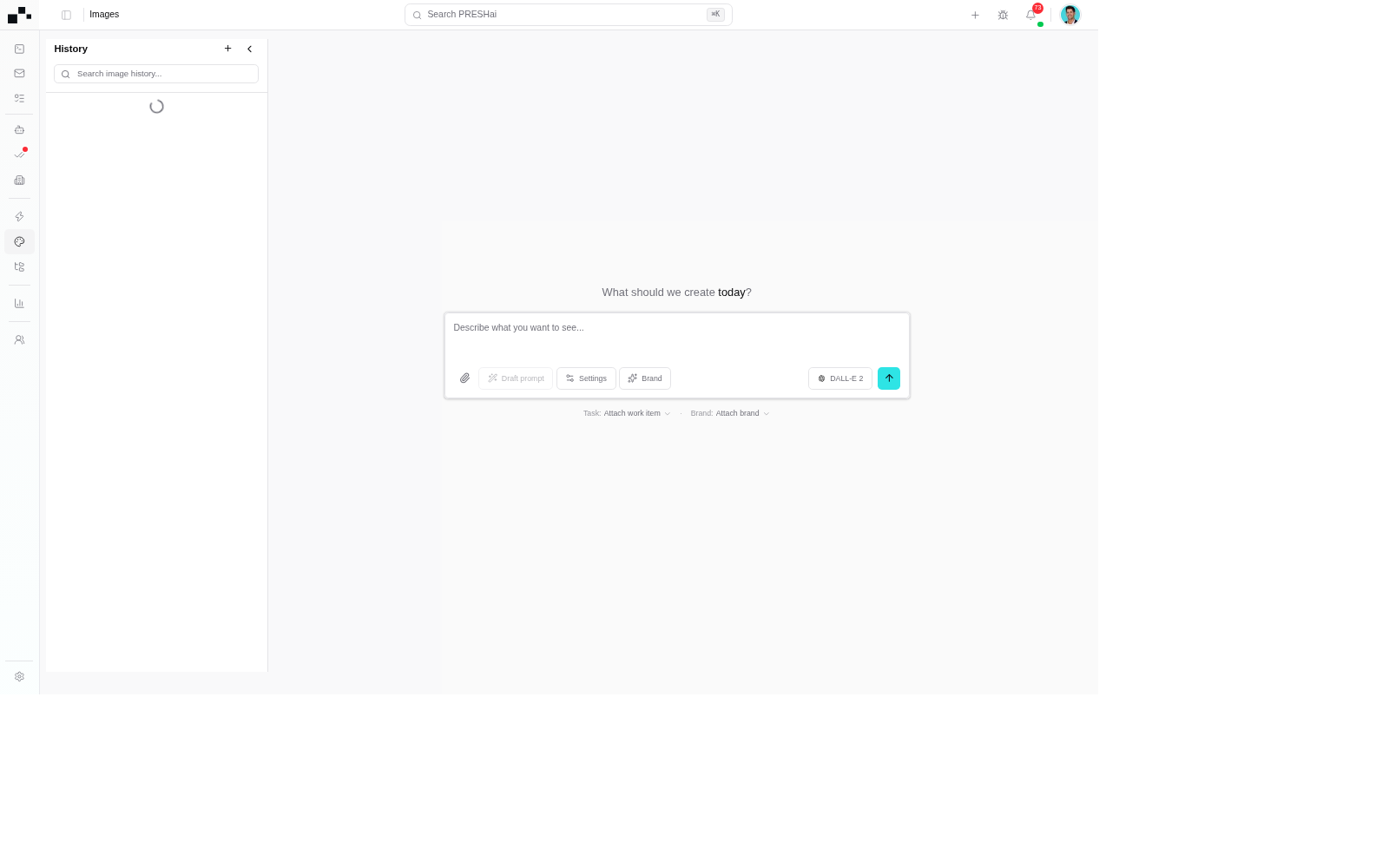
Images at /images is the tenant’s AI image-creation surface: describe what to make, attach it to a work item and a brand, generate, edit, publish. Past generations persist in the History rail; the composer makes new ones. Generation runs against the Images plugin configuration — model and source come from the package, not from the prompt box alone.
The studio
Section titled “The studio”The studio is the hub: the composer that makes new generations beside the history of past ones. Two dropdowns scope every generation: Task (Attach work item) and Brand (Attach brand). A generated image attached to nothing is decoration; attached to a work item, it is evidence on the record.
- The composer takes a prompt with Draft prompt, Settings, and Brand controls shaping the request. Treat the product UI as the source of truth for the models your tenant offers.
- Task attaches the work item, Brand attaches the brand. Review runs on the work item; brand marks come from Org branding.
History
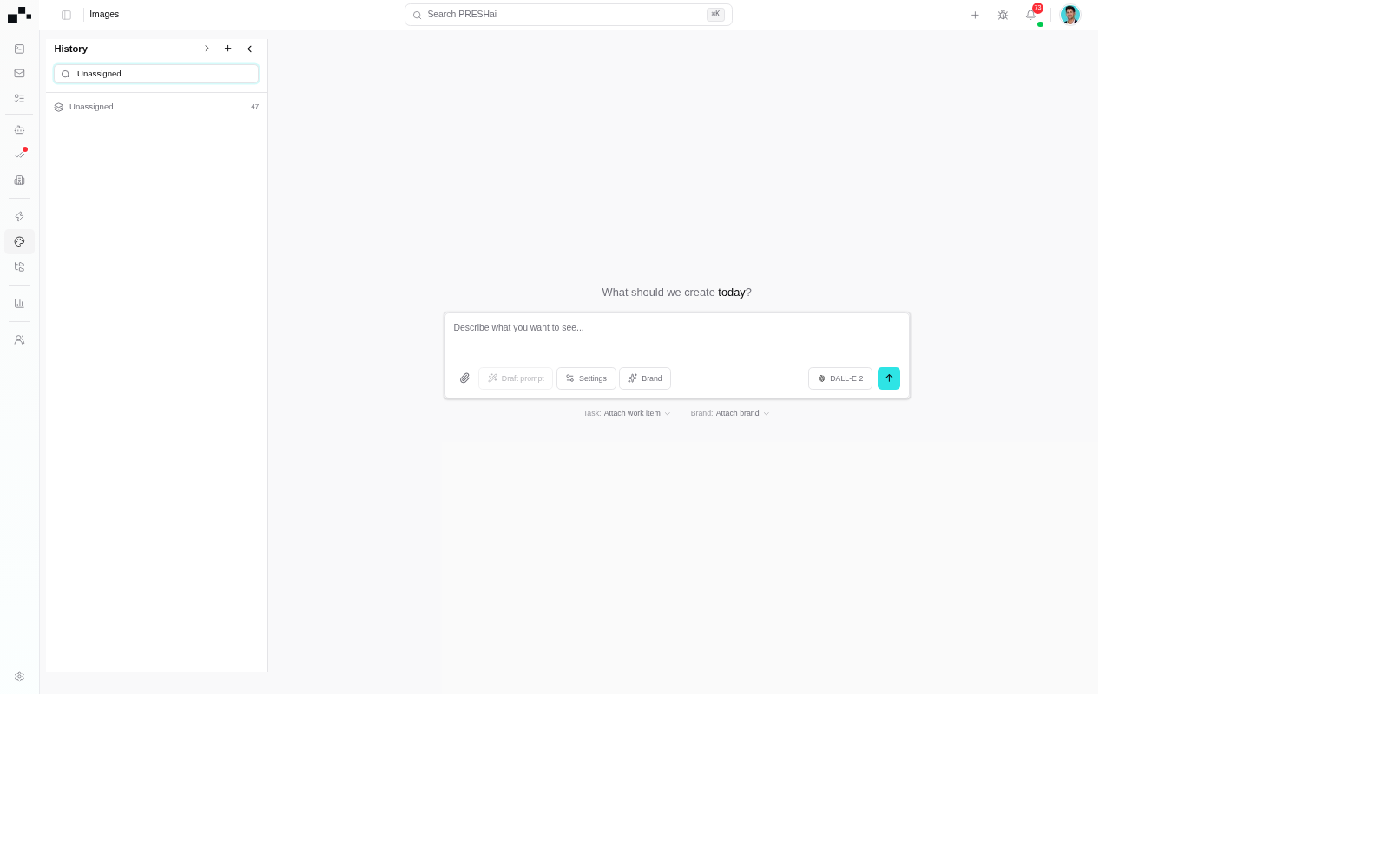
Section titled “History”History is the re-run surface. Each entry ties a past generation to the work item and brand it was scoped to. History is where re-runs start — check it before regenerating what already exists. The same brief twice is two bills for one image: re-run or re-attach the existing generation instead.
- Each entry carries the generation plus the scope it was created under — work item and brand, not just pixels.
- Search history before regenerating; re-run from here instead of rebuilding the brief.
Generation source: the Images plugin
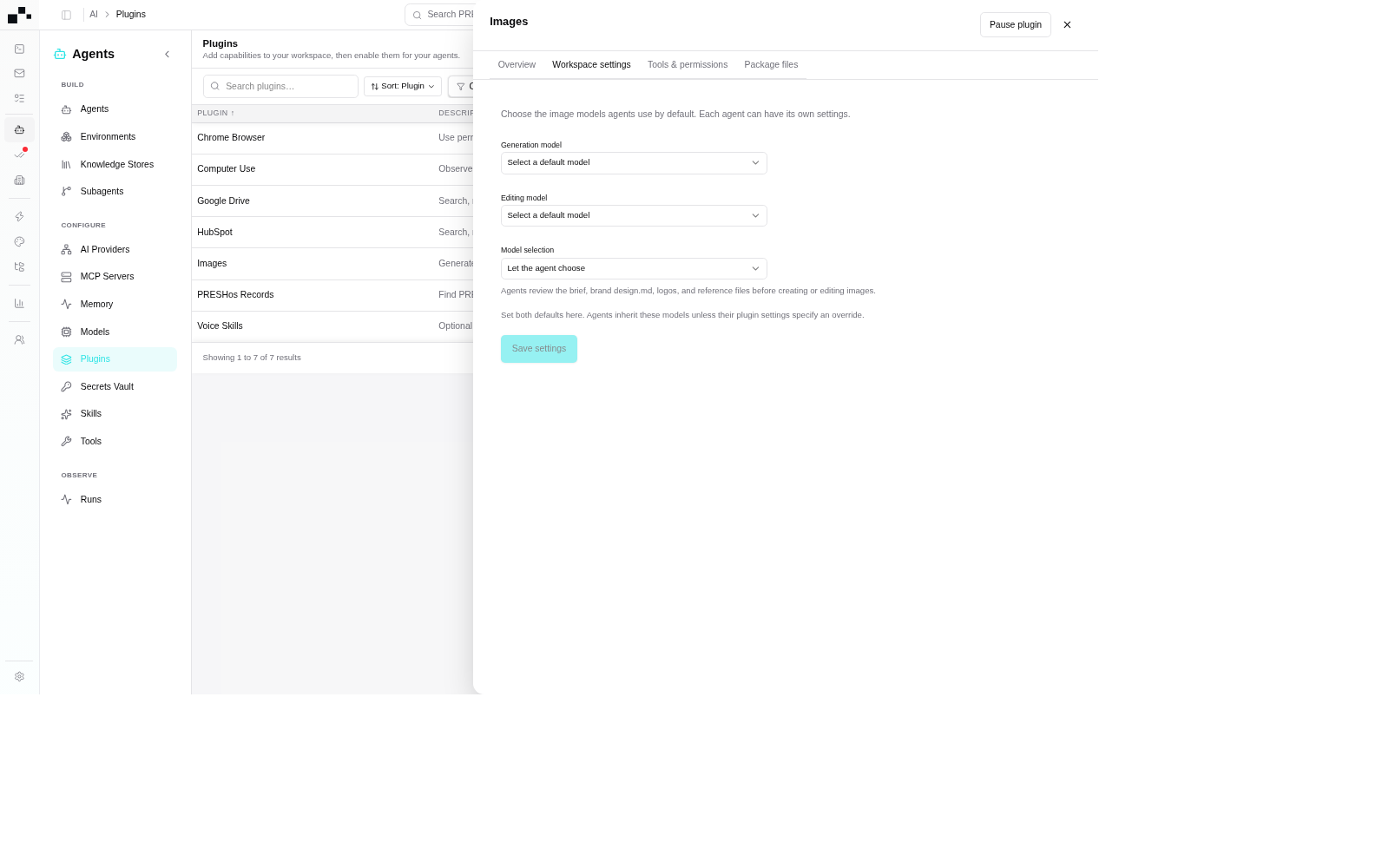
Section titled “Generation source: the Images plugin”Generation is plugin-backed. The Images package in the plugin registry carries the Generation and Editing model configuration each request runs against — the composer prompt shapes the request, the plugin configuration decides what fulfils it.
- Install is already done on default tenants: the Images package is part of the foundational set, installed and granted to default agents at provision time — see Plugins in session. The manual path (adopt from the registry at preshos.com/ai/plugins, then grant) still applies on custom agents or where the grant was switched off.
- Grant scopes it per agent. An agent never granted the plugin cannot carry image generation into a session, whatever the registry shows.
- Treat the product UI as the source of truth for which models your tenant offers. Model names in prose go stale; the plugin’s Generation and Editing model pickers do not.
- The Images row carries the Generation and Editing model configuration requests run against; Install adopts it, the agent grant scopes it.
- Installed means adopted, not live — nothing runs until an agent is granted the plugin.
Agent override
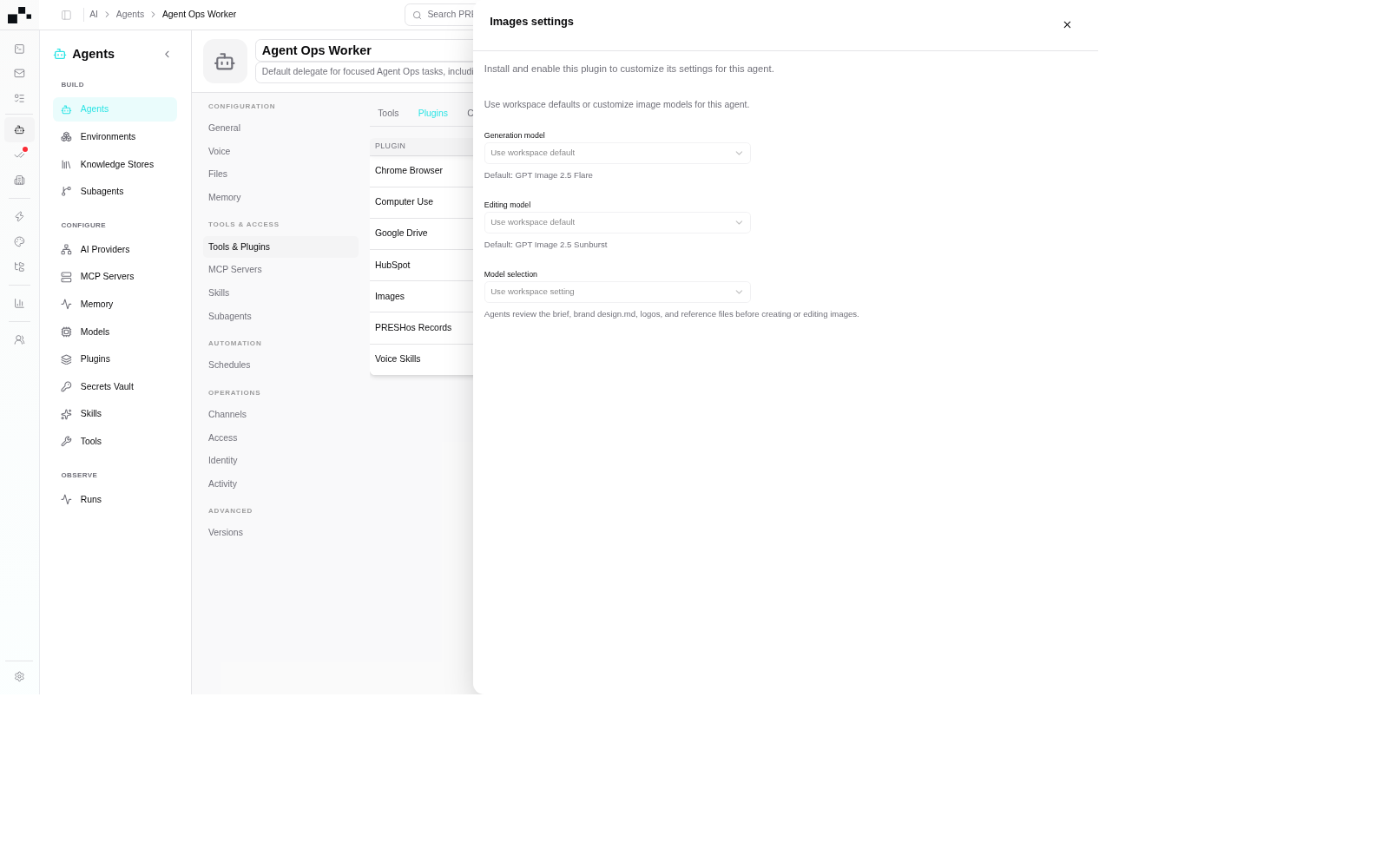
Section titled “Agent override”Per-agent configuration can override the package default: which Generation and Editing models a specific agent uses, set on the agent’s own config surface at /ai/agents/{id}. The override narrows or pins the model for that agent’s runs without changing what the plugin offers the rest of the tenant.
- Overrides are per agent, not per session. What the agent carries into a session is set at configuration time, not mid-thread.
- When a generation’s model surprises you, check the agent override before blaming the prompt — the request ran against the override, not the package default.
- The override pins which models this agent’s image requests run against, independent of the package default.
- An agent with no override inherits the plugin configuration; an agent with one runs its own pins.
Sessions that generate
Section titled “Sessions that generate”Agents generate images mid-run from a session: the request goes out under the session’s plugin scope, and the transcript proves what fired — which capability, with what input, producing what result. An image with no transcript line was not made here. The session surface is the truth for the run; registries show what exists, the run shows what was available — see Plugins in session and Sessions.
- The transcript names what fired, with what input, producing what result — an action with no transcript line did not happen here.
- The session plugins panel lists what the run may call; the transcript proves what it did call.
Publication flow: publish, not copy
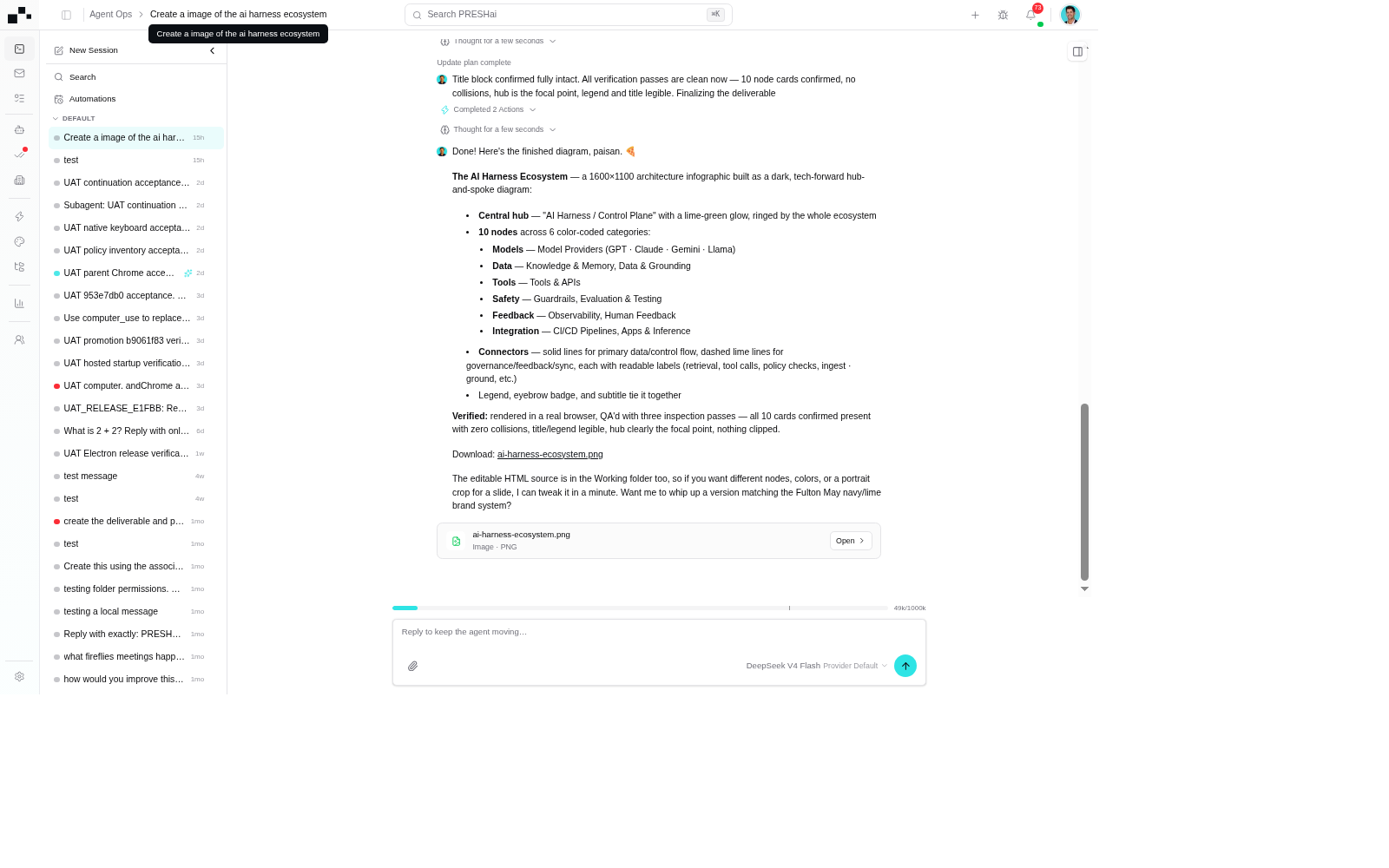
Section titled “Publication flow: publish, not copy”A generation becomes usable when it is published to explicit workspace destinations. Publication runs through publishWorkspaceFile: the generated file is published to the paths it names — the file store under Files and the work item it evidences.
- Publication takes paths. Every publish names its destination: which file record, on which work item. A generation with no destination is decoration, not delivery.
- The record stays the source of truth. The work item a file attaches to carries the verdict on whether the image shipped; the image file is evidence, not the verdict.
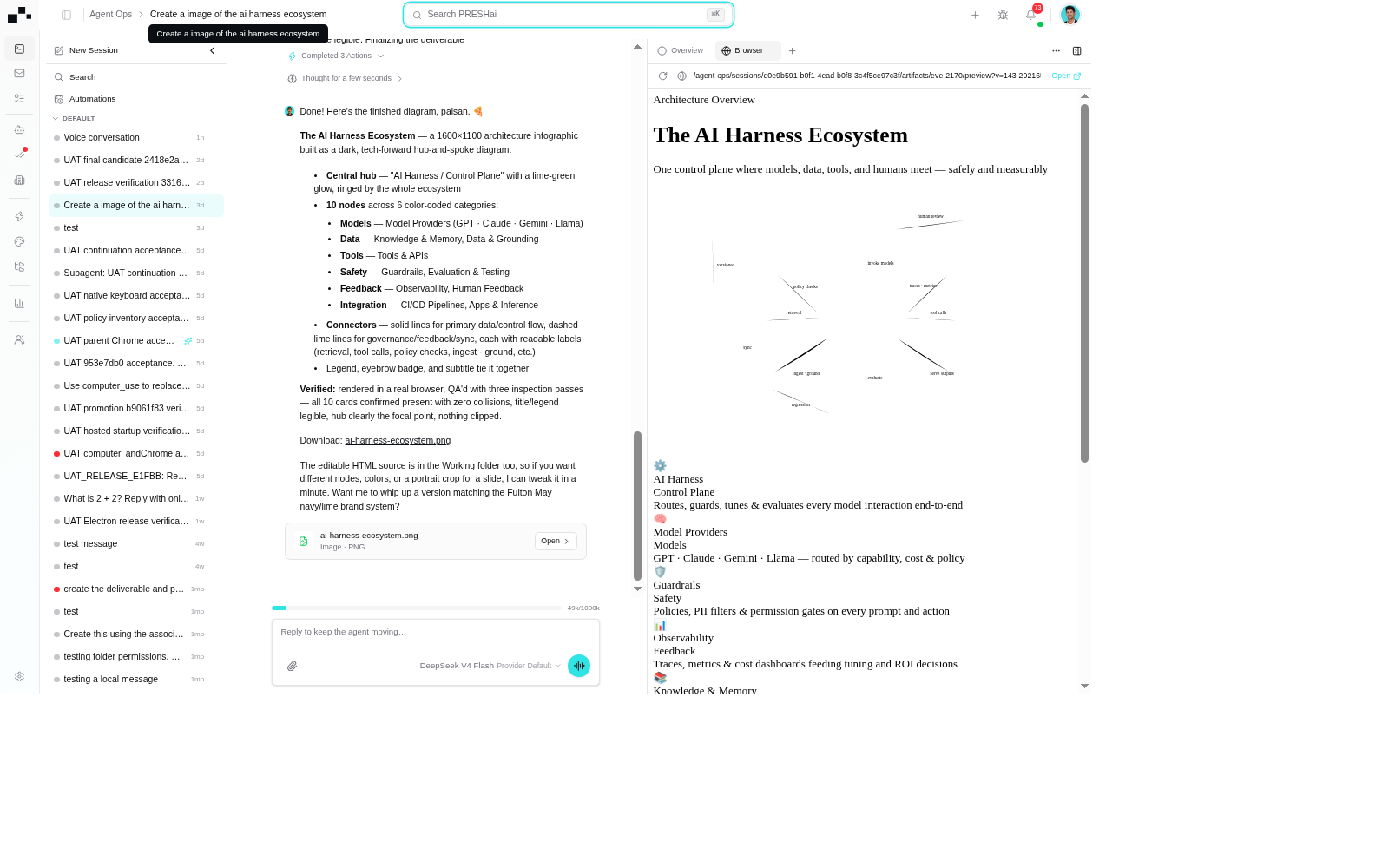
- The transcript carries the finished generation with its file card; the Browser pane previews the published artifact.
- Destinations are named at publish time via
publishWorkspaceFile— the shot shows the delivered result, not the attach step.
Editing
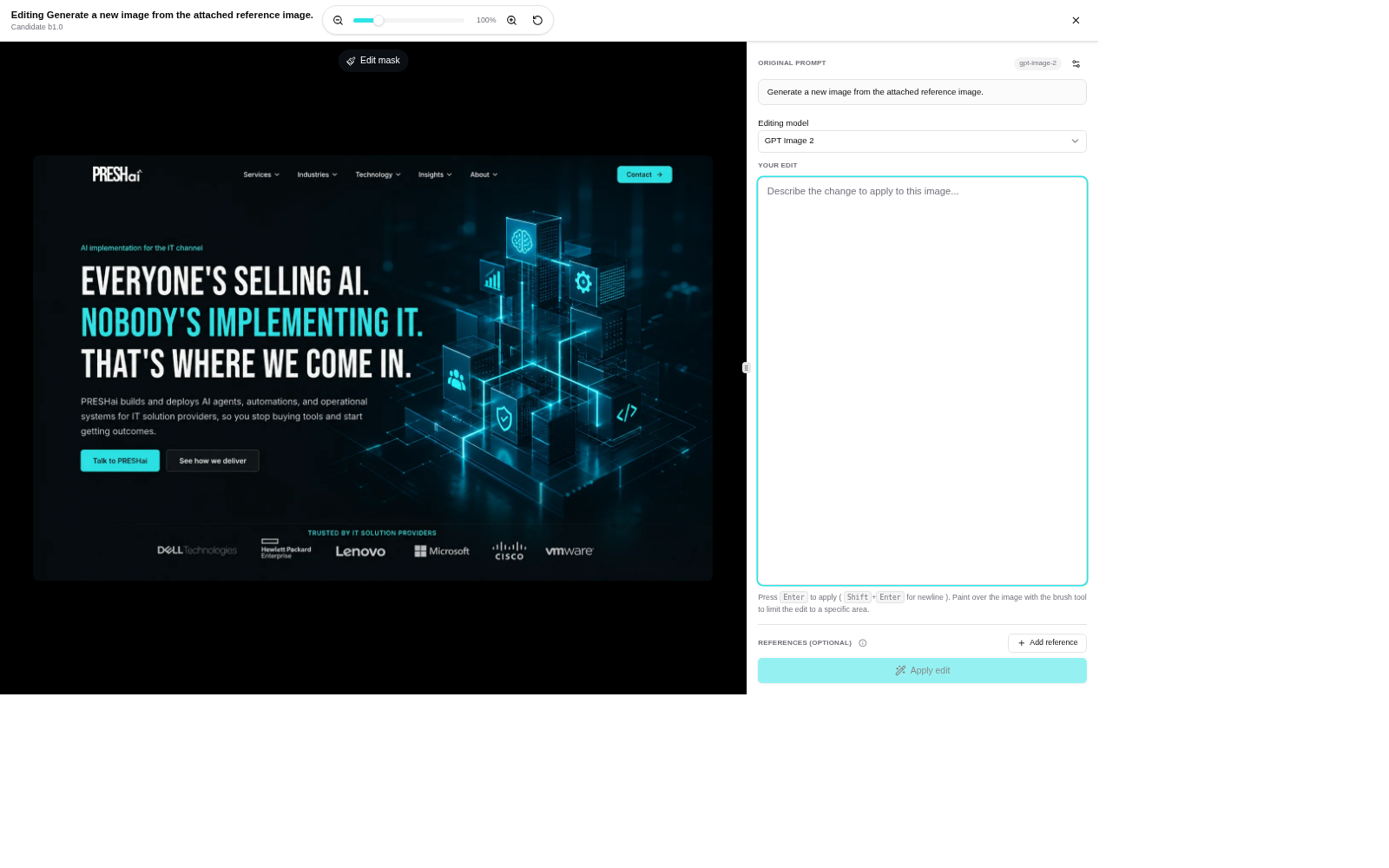
Section titled “Editing”Editing revises a generation instead of rebuilding it: the existing image plus an edit instruction produces the next version. Edit from history — the prior generation carries its scope and provenance, so the revision inherits what the first pass already proved.
- The edit starts from a history generation, not a blank prompt — scope and provenance carry over.
- Describe the change as a deliverable revision, not a vibe; a revision without a use gets regenerated.
Intent guard: validate before you publish
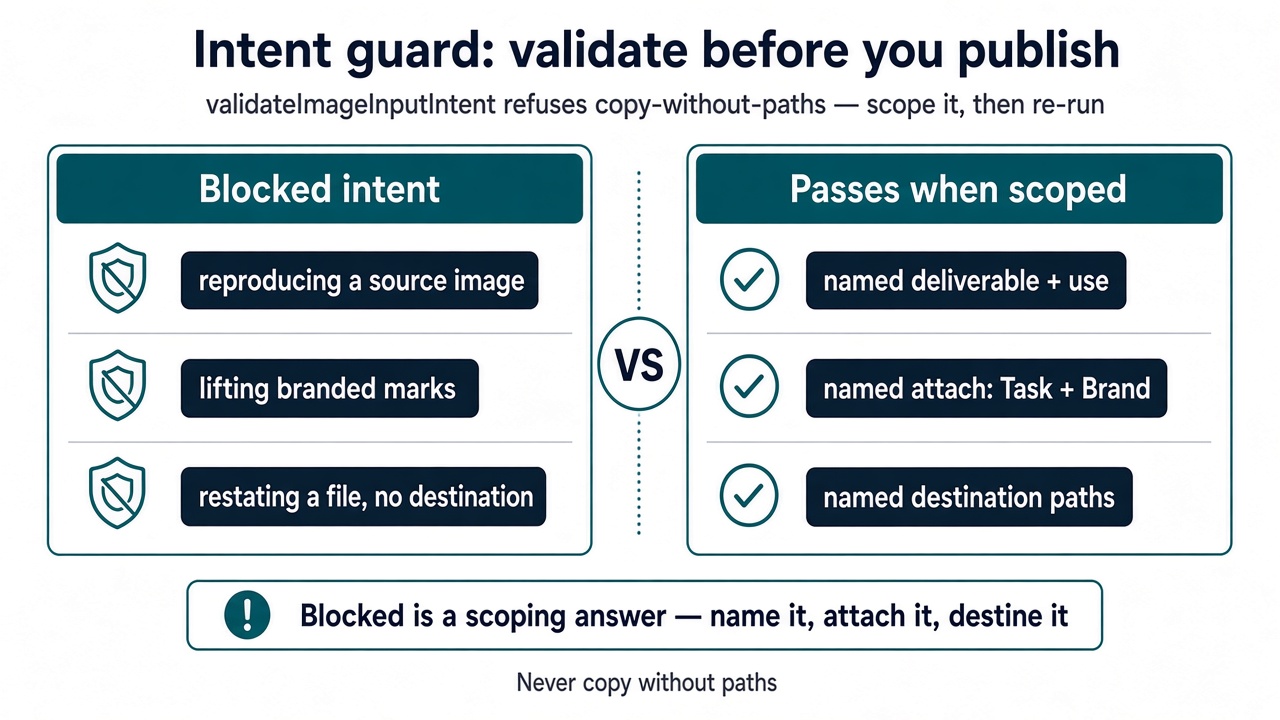
Section titled “Intent guard: validate before you publish”Image input is validated before it runs. validateImageInputIntent checks the request’s intent — what is being asked to make or change — and refuses requests that imply copying without paths: reproducing a source image, lifting branded marks, or restating an existing file without naming a destination.
- Never describe generation or publication as copy-without-paths. There is no implicit copy from a reference image, no background carry-over of brand assets. Every source is named, every destination is named.
- A blocked intent is a scoping answer, not a wording problem. Name the deliverable, name the attach (Task, Brand), name the destination — then run it again.
- The guard names the blocked intent — what was refused and why — instead of silently producing.
- Re-run with named sources and named destinations; the guard passes scoped requests.
- Describe the deliverable, not the vibe. A prompt that names the use (social post, checklist art) survives review; a mood without a use gets regenerated.
What next
Section titled “What next”- Video: the video-output sibling surface.
- Designs: the visual-artifact sibling surface.
- Files: the file store behind published generations.
- My Tasks: the work items generations attach to.
- Org branding: the tenant brand marks behind the brand attach.
- Plugins in session: install → grant → session → invoke for the Images package.
- Plugin registry: the Images package install surface at preshos.com/ai/plugins.
- Sessions: the run surface image requests fire inside.